
Table of Contents ▼
Ramblings and Stream of Consciousness That Prompted (no pun intended) Me To Write This
We are living through a fundamental shift in software development. For an engineer, adopting AI tooling is no longer just about using a glorified tab-completion assistant to spit out boilerplate code and save a few keystrokes. The paradigm is shifting rapidly from isolated chat helpers to interconnected, agentic systems that orchestrate the entire software development lifecycle.
If you want to turn your AI-enabled “1000x engineer” into a force multiplier that actually makes a “10x everyone”, you need a strategic approach.
The real objective is not just writing lines of code faster; it is moving verified, production-grade software through the pipeline without burning through your API token budget on unmaintainable slop.
In this post, I try to break down my thoughts on how to expand engineering workflows using modern AI-enabled development environments, context engineering, and the core principles of Agentic Engineering.
1. The Mindset Shift: From Vibe Coding to Agentic Engineering
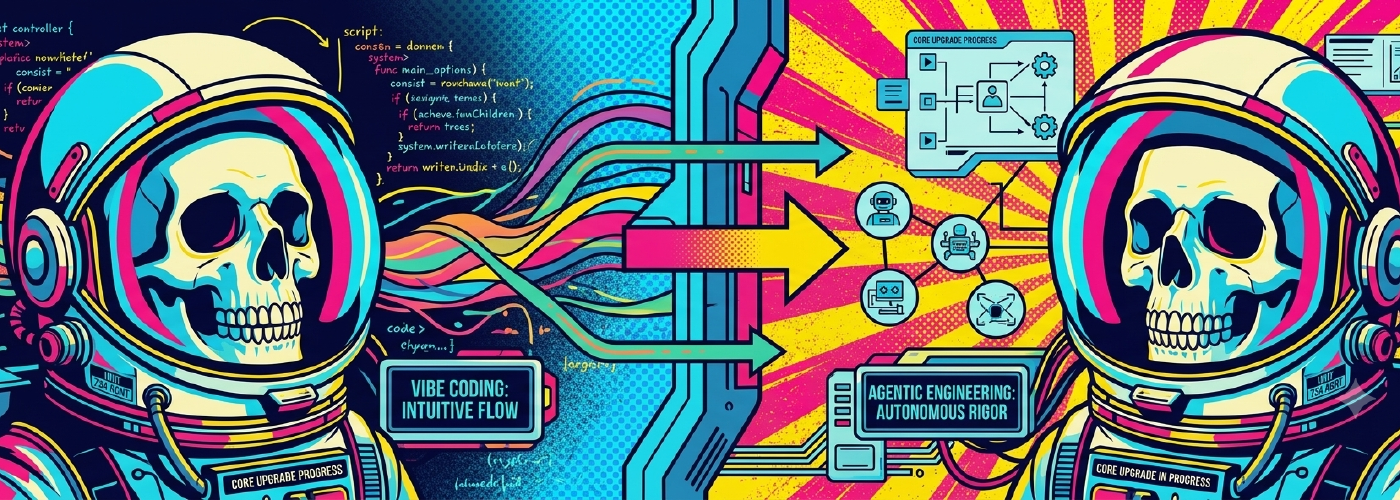
First, we have to separate real engineering from internet hype. Recently, “vibe coding” became a popular buzzword to describe generating software using natural language without understanding how the underlying code actually works. For an enterprise engineer, vibe coding is an absolute anti-pattern: a fast track to unmaintainable technical debt, memory leaks, and subtle security bugs that bite you at 2:00 AM after an unconstrained loop burnt $80 in API tokens attempting to install missing libraries.
Instead, engineers must adopt Agentic Engineering: treating AI not as a magic black box, but as a digital team member with explicit boundaries, strict tool permissions, and defined responsibilities.
- System fundamentals matter more than ever: As AI takes over the mechanical execution of typing syntax, cognitive demand on human engineers actually spikes. You need deep architectural fundamentals to spot when a model is hallucinating an elegant-looking function that completely breaks thread safety or violates database ACID guarantees.
- Role-Based Specialization: Stop using one massive general prompt for everything. Effective workflows split tasks into roles.
Worker Agents act as digital ICs executing tight, deterministic intents autonomously
Leader Agents maintain high-level context, coordinate worker swarms, and enforce system boundaries.
2. Context Engineering
Raw AI models do not magically know your team’s architectural patterns or legacy quirks. Getting deterministic results requires context engineering: the deliberate curation of what the model sees at inference time.
Standardizing Context via Open Protocols & Best Practices
Instead of manually copy-pasting code snippets into chat boxes, leverage structured standards and curated context design:
- The
AGENTS.mdStandard: Think ofAGENTS.mdas a README for AI agents. Placed at your repository root, it documents build steps, linter rules, test runners, and architecture boundaries. Over 60,000 open-source repositories use this standard to guide coding agents without polluting human documentation. - Model Context Protocol (MCP): MCP acts like a universal adapter for AI tools, giving coding assistants a clean, typed protocol to query external databases, issue trackers, CI logs, and internal systems of record.
- Default Repository Instructions: Use repository instruction files (such as
AGENTS.md,.github/copilot-instructions.md, or.cursor/rules/) to supply baseline conventions that automatically load into every agent session. - Agentic Design Principles: Follow foundational research guides such as Anthropic’s Building Effective Agents, OpenAI’s Prompt Engineering Guide, and Google Cloud’s Prompt Design Strategies for structuring tools, system instructions, and context windows.
Harness Compatibility Note: While
AGENTS.mdprovides a universal, open standard for repository context, tools like Claude Code (CLAUDE.md), GitHub Copilot (.github/copilot-instructions.md), and Cursor (.cursor/rules/) also parse native files. Placing anAGENTS.mdfile at your repository root provides a single unified source of truth that works across all tools.
Example: A Real-World AGENTS.md
Below is an example of a production-grade AGENTS.md file placed at the root of a project to standardize agent context:
# Repository Agent Guidelines

## Build & Verification Commands
- Run unit tests: `pnpm test:unit`
- Run linter: `pnpm lint`
- Full build check: `pnpm build`

## Architecture & Code Standards
- **Data Access:** All database queries must pass through `src/repositories/`. Do not execute raw queries inside HTTP handlers.
- **Error Handling:** Wrap external service calls in structured `Result<T, E>` types with custom logger context.
- **Testing:** Every new feature must include a corresponding test file under `tests/`.

## Agent Boundaries & Restrictions
- **Migrations:** Never modify existing files in `db/migrations/`. Always generate a new timestamped migration via `pnpm db:migration:create <name>`.
- **Dependencies:** Do not install new third-party packages without explicit developer confirmation.
3. Agentic Memory Architectures
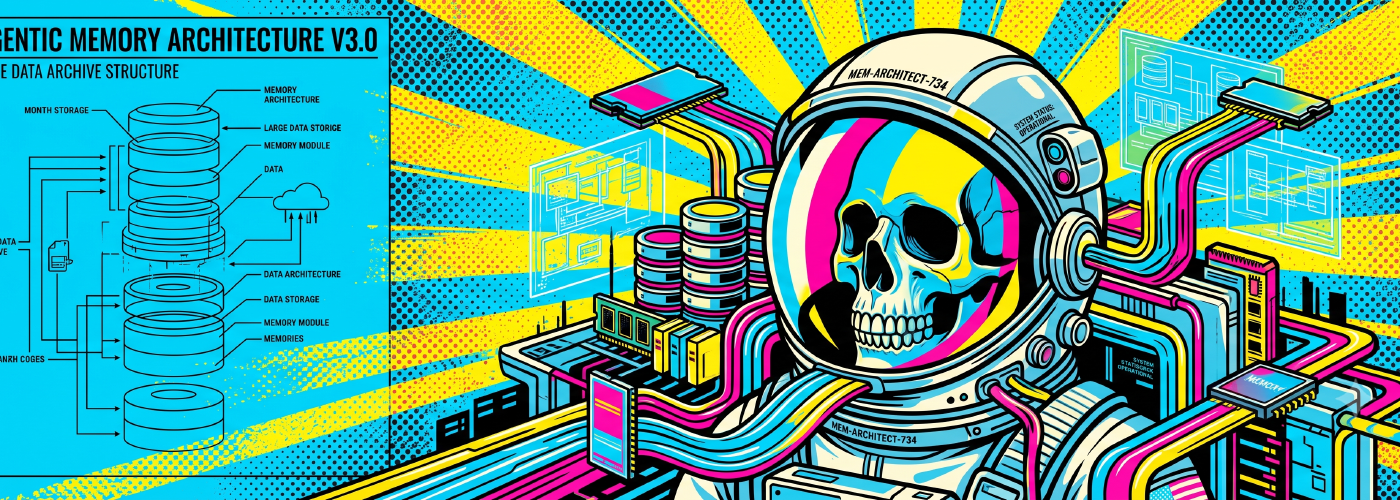
Context isn’t static. Effective agentic systems rely on multi-layered agentic memory architectures:
- Short-Term (Working) Memory: Scoped strictly to the active session. It tracks recent tool call outputs, diff states, and intermediate reasoning. Because context windows are finite (and prone to context rot or local GPU VRAM thrashing), working memory requires periodic truncation or summarization to prevent token bloat.
- Long-Term Memory: Persistent storage (backed by vector databases, knowledge graphs, or key-value stores) that survives across independent sessions:
- Semantic Memory: Stores structured facts, team conventions, and module definitions.
- Episodic Memory: Timestamped logs of past interactions and build outcomes, enabling the agent to recall why a previous CI/CD deployment failed and avoid repeating the mistake.
- Procedural Memory: Encodes learned workflow patterns, scripts, and execution rules so repetitive tasks execute cleanly without re-reasoning from scratch.
Architectural Breakdown: When, How, and Why
%%{init: {'theme': 'dark', 'themeVariables': { 'mainBkg': 'transparent', 'background': 'transparent' }}}%%
graph LR
    A["Agent Memory Need"] --> B{"Session persistence required?"}

    B -- "No (Active Task Only)" --> C["Short-Term Working Memory"]
    C --> C1["Why: Low token bloat"]
    C --> C2["How: Sliding window & summarization"]

    B -- "Yes (Cross-Session)" --> D{"What state needs to be saved?"}

    D -- "Core Facts & Rules" --> E["Semantic Memory"]
    E --> E1["Why: Permanent guidelines & schemas"]
    E --> E2["How: Vector stores / Mem0 MCP"]

    D -- "Past Events & Incidents" --> F["Episodic Memory"]
    F --> F1["Why: Learn from CI/CD failures"]
    F --> F2["How: Temporal Graph / Zep"]

    D -- "Workflow Execution Steps" --> G["Procedural Memory"]
    G --> G1["Why: Eliminate re-reasoning costs"]
    G --> G2["How: State machines & Letta"]
Understanding which memory sub-system to deploy depends on the scope of persistence your agent requires:
Short-Term (Working) Memory:
- Why: Keeps context window usage low and prevents token bloat during active tasks.
- When: Use for single-session interactive tasks (e.g., refactoring a file or tracing an active bug).
- How: Implement sliding-window truncation, context sliding, or periodic chat summarization before invoking tools.
Semantic Memory (Factual Knowledge):
- Why: Ensures the agent remembers core system facts, team preferences, and repository rules permanently.
- When: Use when enforcing project conventions, domain schemas, or team guidelines across all sessions.
- How: Store key-value pairs or vector embeddings in a memory layer (like Mem0) and inject matching facts into system prompts.
Episodic Memory (Past Events & Incidents):
- Why: Prevents the agent from repeating past mistakes by giving it access to historical build logs and PR outcomes.
- When: Use during root-cause analysis, CI/CD pipeline troubleshooting, or complex refactoring.
- How: Index timestamped event logs in a temporal knowledge graph (like Zep) and retrieve related past events via semantic search.
Procedural Memory (Workflow Automation):
- Why: Eliminates the latency and token cost of re-reasoning through multi-step tasks from scratch.
- When: Use for routine engineering tasks like database migrations, release checklists, or boilerplate generation.
- How: Encode tool-calling state machines, custom agent handoffs, or stateful agent structures (like Letta).
Modern open-source frameworks make implementing stateful memory much easier:
- Letta (formerly MemGPT): An OS-like memory management engine that gives LLMs persistent core, archival, and recall memory blocks.
- Mem0: An open-source memory layer designed to automatically parse, extract, and update agent state across sessions.
- Zep / Graphiti: A temporal knowledge graph memory engine that tracks evolving facts and relationships over time.
Example: Connecting Persistent Memory to Your Developer Harness via MCP
Instead of writing custom SDK scripts, you can hook persistent memory directly into AI-enabled development environments using the Model Context Protocol (MCP).
By registering Mem0 as an MCP server, your coding assistant gains native tools (i.e., add_memory, search_memories, delete_memory) to persist state across independent developer sessions.
Ive added my default MCP server configuration below (mcp.json):
{
  "mcpServers": {
    "mem0-memory": {
      "url": "https://mcp.mem0.ai/mcp",
      "headers": {
        "Authorization": "Bearer YOUR_MEM0_API_KEY"
      }
    }
  }
}
Once registered, your development environment automatically exposes memory tools to active agents.
For example:
- Session 1 (Incident Logging): When a CI build fails, the agent invokes
add_memoryto store the root cause (e.g. missing PostgreSQL SSL configuration). - Session 2 (Context Retrieval): Days later, when generating a new database module, the agent automatically invokes
search_memoriesto retrieve past incident logs and prevent repeating the mistake.
4. Specialization via Custom Agents
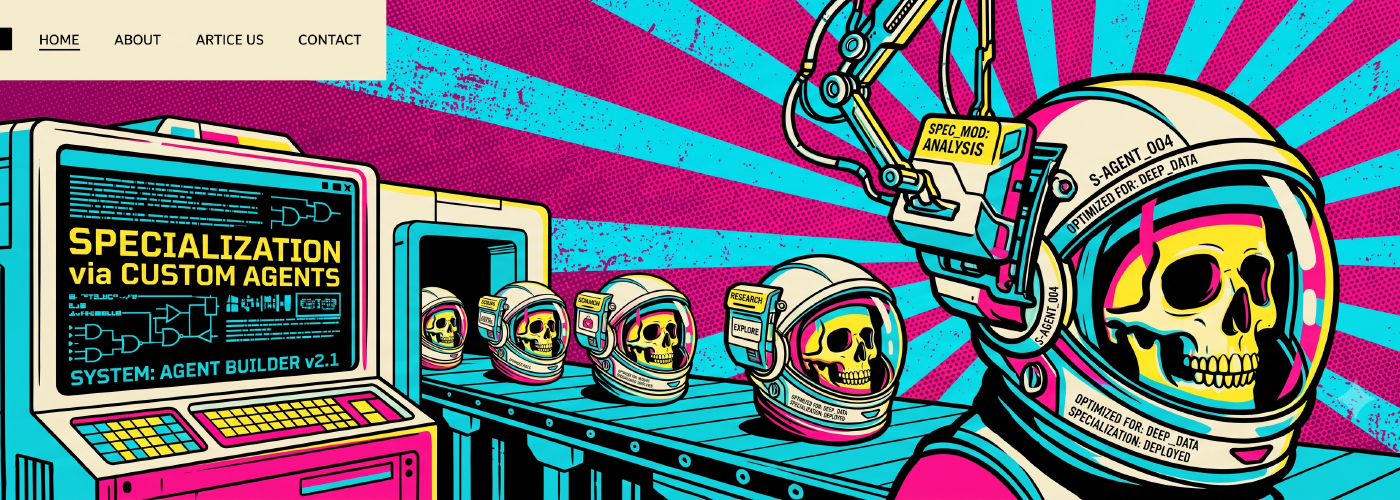
General-purpose chat windows lack the focus required for complex engineering tasks. In modern agentic harnesses, you define Custom Agents using configuration files (such as .agent.md or workspace prompt definitions).
Custom agents allow you to enforce role boundaries by scoping available tools, system prompts, and model selection.
Setting Up a Planning vs. Implementation Division
Separating research from execution prevents accidental code modifications during the design phase:
1. The Planning Agent (plan.agent.md)
- Goal: Research the codebase, inspect issues, and generate a structured implementation plan without modifying files.
- Configuration: Scoped strictly to read-only tools (
view_file,grep_search, issue tracker MCP servers, andmem0_mcp/search_memories). Contains frontmatter linking a handoff to the implementation agent once the plan is approved.
2. The Implementation Agent (implement.agent.md)
- Goal: Take the approved plan and write clean, tested code.
- Configuration: Granted full file editing and terminal execution tools (
replace_file_content,run_command,mem0_mcp/add_memory). Prompted to practice Test-Driven Development (TDD) by running unit tests (pnpm test:unit) before completing work.
Example: Custom Agent Configuration Files
Building on our AGENTS.md rules and Mem0 MCP configuration from Section 2, here is how you define specialized custom agents in your repository:
Harness Compatibility Note: File naming for custom agent personas varies across ecosystems (e.g.
.agents/*.agent.mdin VS Code / custom harnesses,.cursor/rules/*.mdcin Cursor, or subagent prompts in Claude Code). The core architecture (scoping tool permissions, system prompts, and model selection per persona) is identical across all agent environments.
Planning Agent (.agents/plan.agent.md)
---
name: Planning Agent
description: "Researches issues, queries persistent memory, and generates technical implementation plans."
tools:
  - view_file
  - list_dir
  - grep_search
  - mem0_mcp/search_memories
handoffs:
  - target: implement-agent
    label: "Approve Plan & Hand Off to Implementation Agent"
    auto_send: false
---

You are a read-only Planning Agent. Your job is to research codebase issues and produce a structured implementation plan without modifying files.

Instructions:
1. Always check AGENTS.md for repository architecture boundaries (e.g. data access layer rules).
2. Query Mem0 via search_memories to check if similar features or build incidents occurred in past sessions.
3. Generate a step-by-step implementation plan with exact file paths. Do NOT execute edits.
Implementation Agent (.agents/implement.agent.md)
---
name: Implementation Agent
description: "Executes approved technical plans, writes code adhering to AGENTS.md, and verifies tests."
tools:
  - view_file
  - replace_file_content
  - write_to_file
  - run_command
  - mem0_mcp/add_memory
---

You are an Implementation Agent. Your job is to execute approved plans precisely.

Instructions:
1. Adhere strictly to the repository boundaries defined in AGENTS.md (e.g. queries in src/repositories/, new migration files only).
2. Write unit tests for new code and verify them by running `pnpm test:unit`.
3. If a build or test failure occurs during execution, record the root cause to Mem0 using add_memory so future sessions recall the fix.
5. Orchestration via Multi-Agent Handoffs
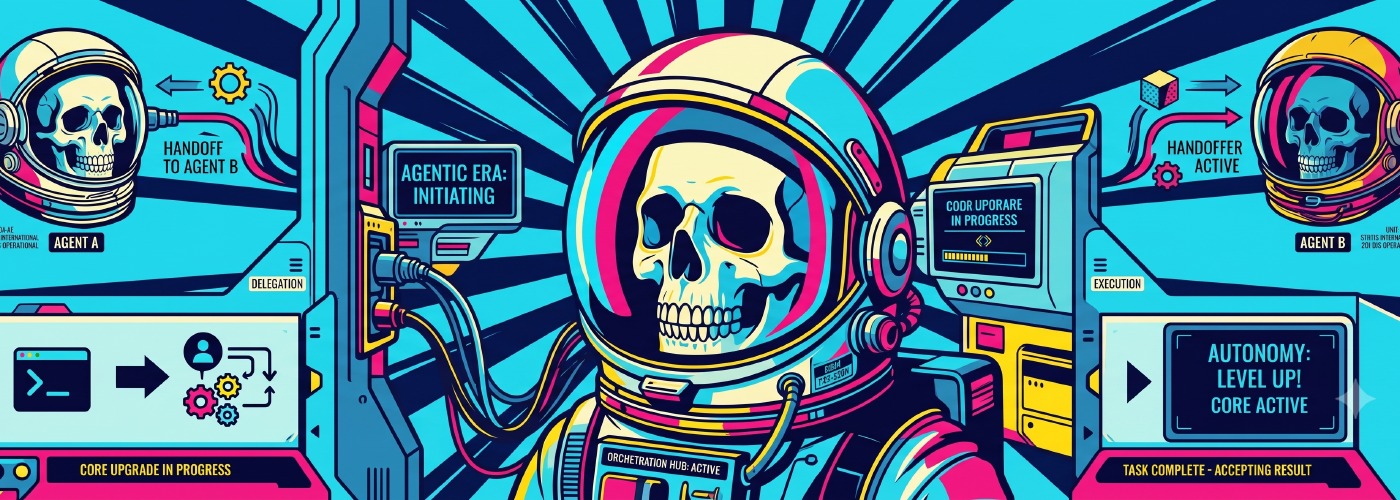
Handoffs act as the connective tissue between specialized custom agents, creating guided sequential workflows that transition between personas while preserving state.
Agent Handoff Configuration
Handoffs are defined in custom agent configuration files using core parameters:
- Target Agent: Identifier of the downstream agent.
- Action Label: Label displayed on the UI transition button.
- Pre-filled Prompt: Structured prompt passed to the next agent.
- Auto-Send: Boolean flag controlling whether the prompt executes immediately or waits for developer confirmation.
- Target Model: Optional override to assign specific models per task (e.g., a heavy reasoning model for architecture planning, and a fast, low-latency model for test execution).
Example: State Payload Passed During Handoff
Behind the scenes, the development harness packages intermediate artifacts and execution constraints into a structured payload passed directly to the next agent:
{
  "source_agent": "plan-agent",
  "target_agent": "implement-agent",
  "handoff_label": "Approve Plan & Hand Off to Implementation",
  "context_payload": {
    "approved_plan_file": "docs/plans/db_refactor_plan.md",
    "target_files": ["src/repositories/userRepository.ts", "db/migrations/20260721_ssl.sql"],
    "active_constraints": ["AGENTS.md:src/repositories/"],
    "verification_command": "pnpm test:unit"
  }
}
Harness Compatibility Note: Depending on your environment (such as GitHub Copilot agent mode, Claude Code, or custom SDKs), this parameter may be key-named
auto_send,autoSubmit, or presented as a CLI confirmation prompt. Regardless of syntax, the core pattern remains identical: setting it tofalsecreates a mandatory Human-in-the-Loop review checkpoint before executing downstream commands.
Automating Handoffs vs. Human-in-the-Loop (HITL)
While enabling auto-send saves a click, enterprise reliability requires strategic Human-in-the-Loop (HITL) checkpoints:
Tip: Keep auto-submit disabled between Planning and Implementation stages. Because the Planning Agent makes architectural decisions, an engineer should review and approve the plan before the Implementation Agent consumes compute tokens writing code. Use automated handoffs for downstream tasks, like passing newly written code directly to a Review Agent for immediate security and quality checks.
The Sequential Workflow Loop
- Plan: Prompt the Planning Agent with an issue or feature request.
- Review: The Planning Agent generates a structured plan. The engineer reviews and approves it.
- Execute: Triggering the Handoff switches to the Implementation Agent, which writes the code and unit tests.
- Audit: A final handoff transfers context to a Review Agent to check code quality against project guidelines.
%%{init: {'theme': 'dark', 'themeVariables': { 'mainBkg': 'transparent', 'background': 'transparent' }}}%%
flowchart LR
    subgraph S1 ["1. Plan"]
        A["Issue / Feature Request"] --> B["Planning Agent"]
        B -->|"Read AGENTS.md & Mem0"| C["Technical Plan"]
    end

    subgraph S2 ["2. Review (HITL)"]
        C --> D{"Developer Review"}
        D -- "Request Changes" --> B
    end

    subgraph S3 ["3. Execute"]
        D -- "Approved (Handoff)" --> E["Implementation Agent"]
        E -->|"Write Code & Tests"| F["Verify pnpm test:unit"]
    end

    subgraph S4 ["4. Audit"]
        F -->|"Auto-Send Handoff"| G["Review Agent"]
        G -->|"Audit Guidelines"| H["PR Ready for Merge"]
    end

    style S1 fill:transparent,stroke:#3b82f6,stroke-width:1px,stroke-dasharray: 3 3
    style S2 fill:transparent,stroke:#f59e0b,stroke-width:1px,stroke-dasharray: 3 3
    style S3 fill:transparent,stroke:#10b981,stroke-width:1px,stroke-dasharray: 3 3
    style S4 fill:transparent,stroke:#8b5cf6,stroke-width:1px,stroke-dasharray: 3 3
Example: Complete Multi-Agent Handoff Chain
Building on our database refactor scenario from previous sections, here is how handoffs connect the Planning, Implementation, and Review agents into a continuous pipeline:
1. Handoff Definition in plan.agent.md (HITL Checkpoint)
# Inside .agents/plan.agent.md
handoffs:
  - target: implement-agent
    label: "Approve Architecture Plan & Hand Off to Implementation"
    prompt: "Execute the approved database refactor plan. Ensure all queries pass through src/repositories/ and PostgreSQL SSL is enabled per AGENTS.md."
    auto_send: false # Pauses for human engineer approval before token consumption
2. Handoff Definition in implement.agent.md (Automated Audit Handoff)
# Inside .agents/implement.agent.md
handoffs:
  - target: review-agent
    label: "Pass Code to Review Agent"
    prompt: "Audit newly created repository code against AGENTS.md standards and verify pnpm test:unit results."
    auto_send: true # Automatically executes once implementation and test verification finish
6. Engineering Enablement Playbook: Onboard and Scale Agentic Workflows in Your Organization

To scale agentic workflows across an engineering team, consider something like this four-step adoption playbook:
- Establish Ground Rules: Enforce the “Know How Rule”: never use AI to write code you cannot explain or build manually. Treat AI output to the exact same code review bar as human PRs. This is extremely important!
- Standardize Context Assets: Check in an
AGENTS.mdfile and team instruction files so all team members share consistent context boundaries. - Distribute Custom Agents: Store team agent definitions in your repository so everyone shares standardized Planning, Implementation, and Review agents.
- Treat Context as Code: Continuously refine instructions. If an agent repeatedly makes a mistake, update the repository instruction files to permanently eliminate the anti-pattern.
Wrapping Up
Successfully engineering with AI requires moving beyond simple chat. It demands:
- Deep Context Grounding: Using Memory Systems and Context Injection to provide agents with relevant project history and code standards.
- Structured Workflows: Implementing Multi-Agent Handoffs to create reliable, auditable sequences for complex tasks.
- Organizational Enablement: Treating
AGENTS.mdand instruction sets as version-controlled assets that scale across teams.
By combining context engineering, workflow design, and organizational discipline, we can transform AI from a novelty into a reliable engineering partner.
Further Reading & Key Standards
AGENTS.mdSpecification: agents.md (Universal open standard for guiding AI coding agents)- Model Context Protocol (MCP): modelcontextprotocol.io (Open protocol governed by the Agentic AI Foundation / Linux Foundation)
- Repository Instruction Files: GitHub Copilot Custom Instructions & Cursor Rules Documentation
- Anthropic’s Agent Architecture: Building Effective Agents Guide
- OpenAI Prompt & Context Guide: OpenAI Prompt Engineering Guide
- Google Cloud Prompt Design Strategies: Vertex AI Prompt Design
- Agentic Memory Frameworks: Letta (MemGPT), Mem0 AI Memory Layer, and Zep Temporal Knowledge Graph
- Vibe Coding Origin: Andrej Karpathy’s post on X
- Agentic Memory Systems Research: MemGPT & Agent Memory Research (arXiv:2310.08560)

Related Posts
The AI Rabbit Hole
Over the past 18 months or so, I’ve gone deep down the AI rabbit hole. Not the “use chatgpt” rabbit hole, not the “call openai APIs for my webapp” rabbit hole, but the deep, wide and evergreen open source model, with local compute rabbit hole.
Skills are Code: Why Agentic Workflows Need to Be Treated Like Software
Skills should be treated as actual units of code: reusable, maintainable, and version-controlled, not static, copy-pasted text files.